


Follow these steps to capture medical data and share it with a board-certified provider for a follow-up phone visit.
📍 Service Availability: This service is currently available only within the following states: FL, NY, CA, GA, TX, VA.
Capture and Share Your Exam
Step 1: Start
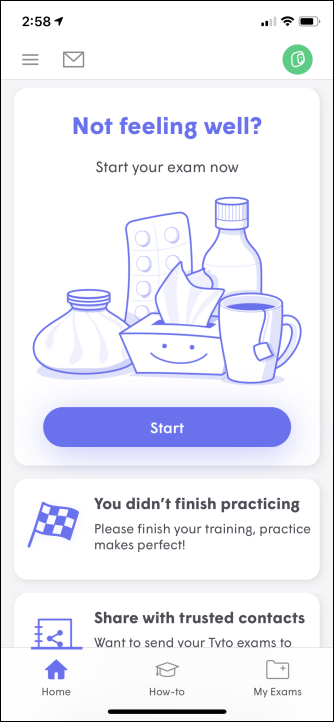
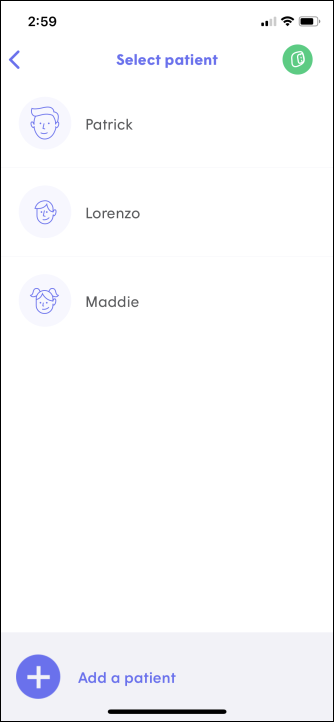
Step 2: Select Patient
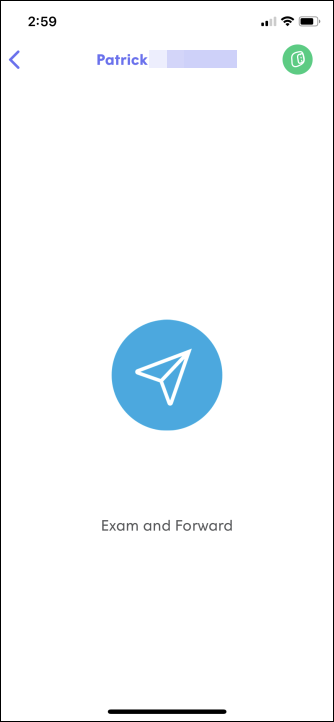
Step 3: Exam & Forward
- Step 4: Choose the appropriate Symptoms information from the list.
- Step 5: Perform the suggested exams on your Tyto Device (ears, throat, heart, etc.).
- Step 6: Record a quick Video to include as part of your exam data.
Step 7: Share Exams
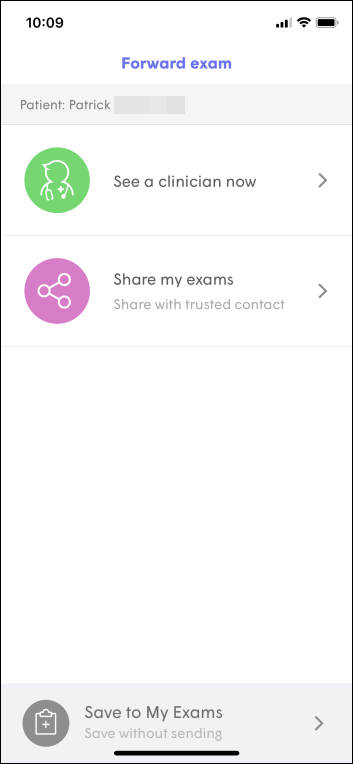
Step 8: Tyto Clinician
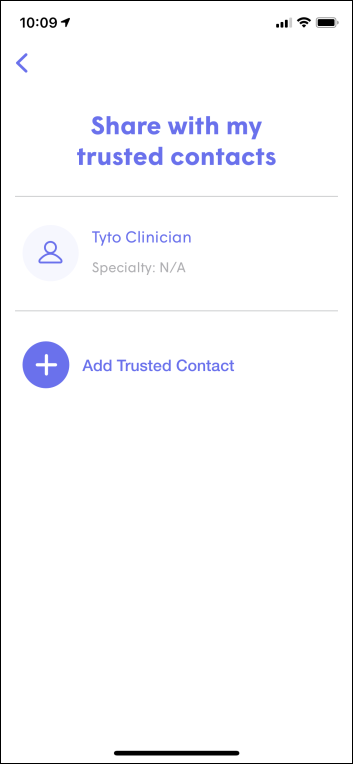
Step 9: Confirm Share
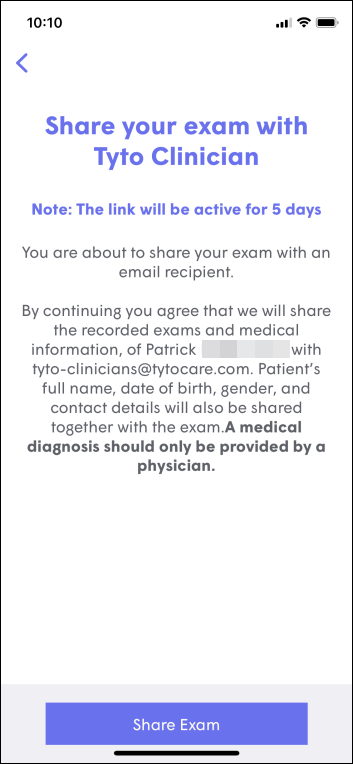
What Happens Next?
- Scheduling: A TytoCare Support Representative will call you to schedule a phone visit with a board-certified provider.
- Provider Review: Before the call, the provider will review your images and sounds. They may invite you to a video visit if a live visual is needed for diagnosis.
- External Sharing: You may also share exam data via email with your own personal physician. Please check with your provider regarding any costs for this service.

