


Follow these steps to enable a Personal Hotspot on your iOS device to provide a 2.4GHz network for your TytoCare device.
Setup Steps
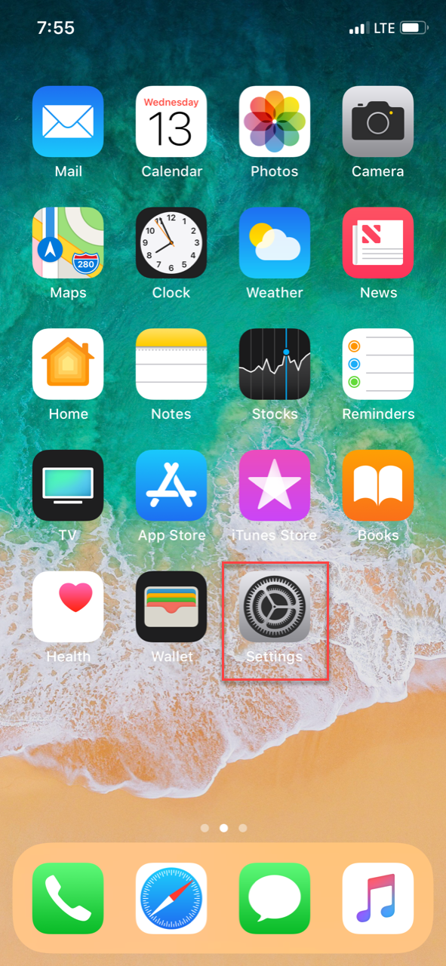
- Open Settings: Locate and select the Settings icon on your iPhone.
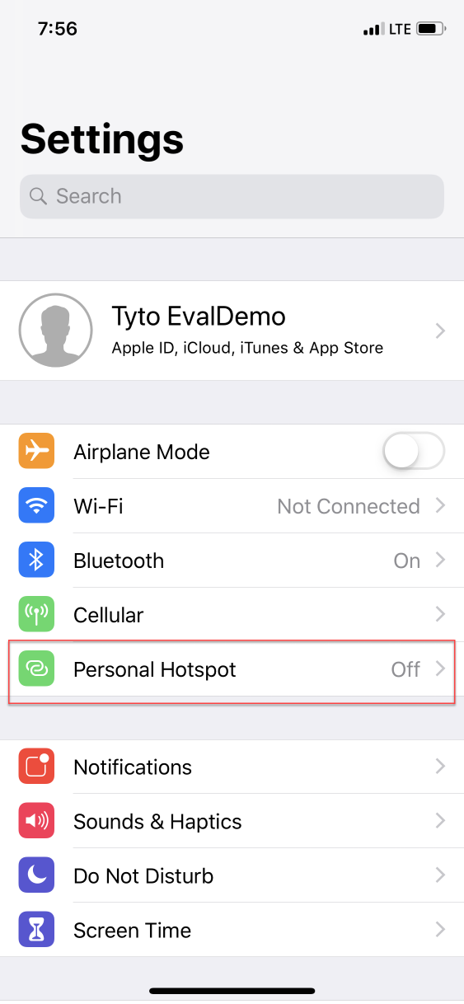
- Personal Hotspot: Select Personal Hotspot from the main settings menu.
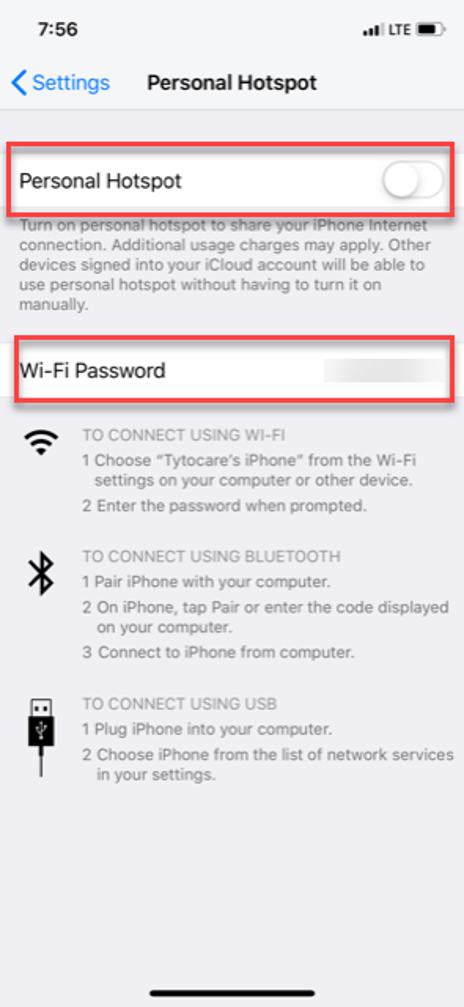
- Activate: Toggle Allow Others to Join to ON. Take note of the Wi-Fi Password displayed on this screen; you will need to enter this into the TytoCare App.
Critical Step for iPhone 12 and Newer
For iPhone 12, 13, 14, 15, and newer models, you must enable the Maximize Compatibility option. This forces the hotspot to use the 2.4GHz frequency required by the TytoCare device.

