


Follow these steps to complete the intake process and connect with a clinician for your virtual visit.
Intake & Waiting Room
- Describe Symptoms: Complete the short questionnaire in the TytoCare App explaining the patient’s symptoms and main complaints. Follow all on-screen instructions for the symptom checker.
- Waiting for Clinician: Once the questionnaire is submitted, you will see a "Waiting for clinician" confirmation message. Please remain in the app; wait times may vary based on clinician availability.
Initiating the Visit
When the clinician is ready, you will receive a prompt to begin the session. Click Join to initiate the video conference and enable your mobile device's camera and microphone.
|
TytoCare Device 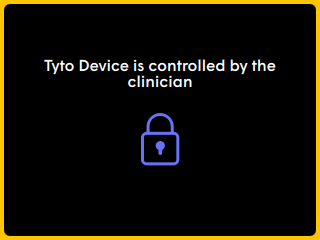
|
TytoCare App 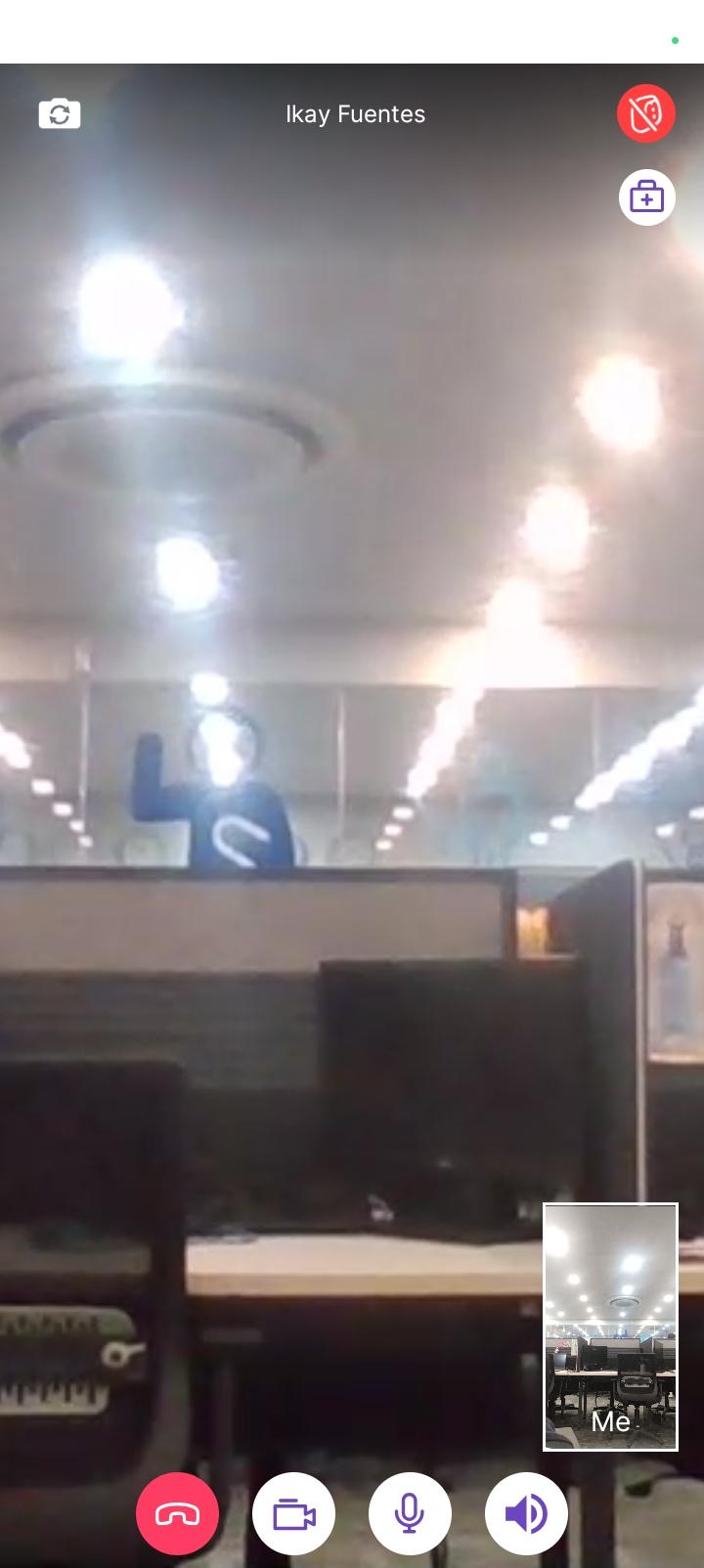
|
Remote Control Feature
Once connected, the clinician will remotely control your TytoCare device and guide you through the exam process.
Visual Indicator: A yellow outline on the TytoCare device screen indicates that the device is currently under remote control by the clinician.

