


⚠️ Symptom: Cannot Initiate Exam
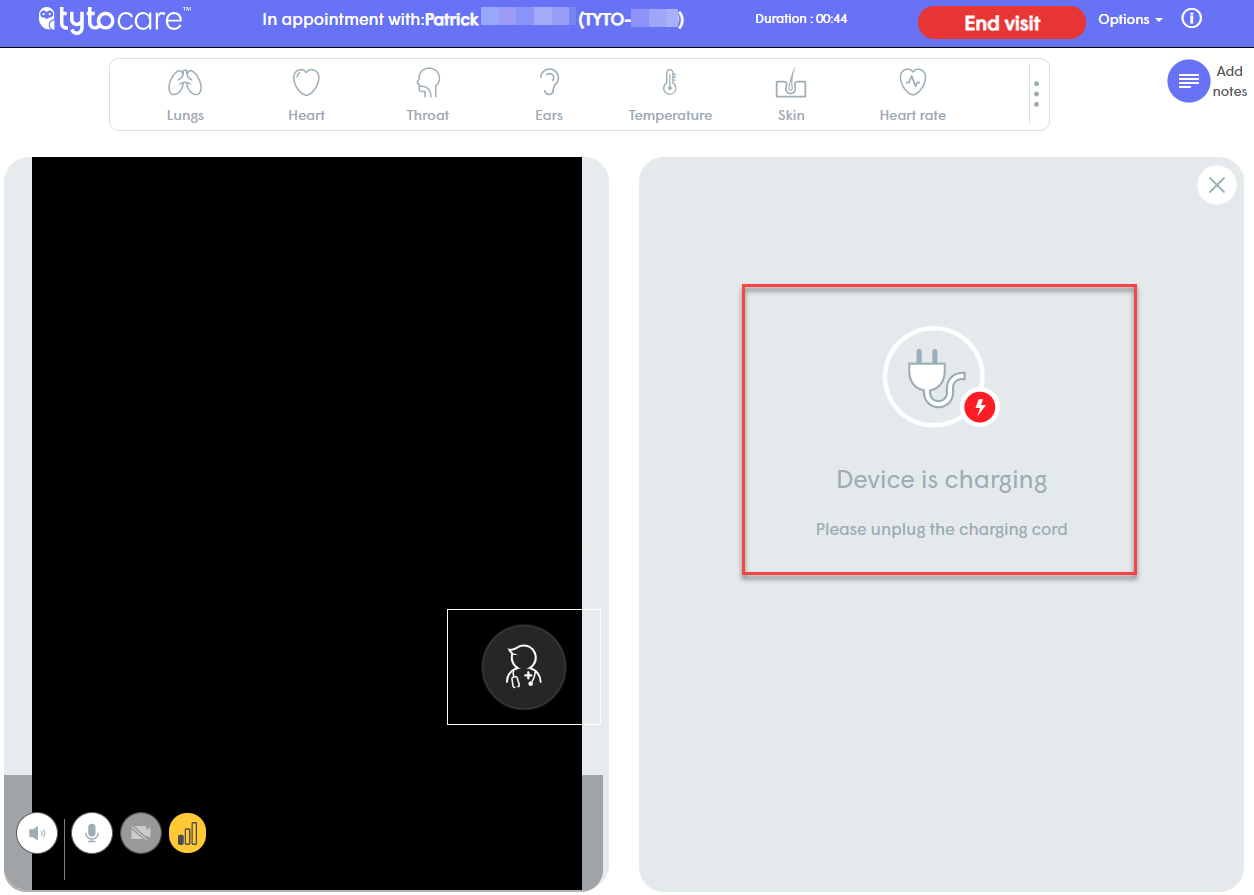
The provider cannot initiate any exam with the Tyto Device. The following message is displayed on the right side of the Clinician Station: “Device is charging.”
🔍 Cause
The Tyto Device on the patient side is currently connected to a power source. For safety and regulatory reasons, examinations cannot be performed while the device is charging.
✅ Solution
Instruct the patient or on-site assistant to disconnect the Tyto Device from the charger. Once unplugged, the status on the Clinician Station will update, and exams can proceed immediately.

