Symptom
Notification messages are not showing up on the provider’s side once the provider receives new telehealth visit requests.
Possible Cause
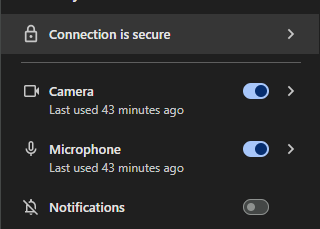
The ability to display notifications from the Clinician Station website was not enabled in the Chrome browser and might have been blocked. This typically happens if the provider denied permission when the browser initially displayed a message asking to enable notifications.
Suggested Solution
- Open the Chrome browser settings.
- Navigate to the notifications section:
chrome://settings/content/notifications - Locate the Allow list and ensure TytoCare’s website is added.
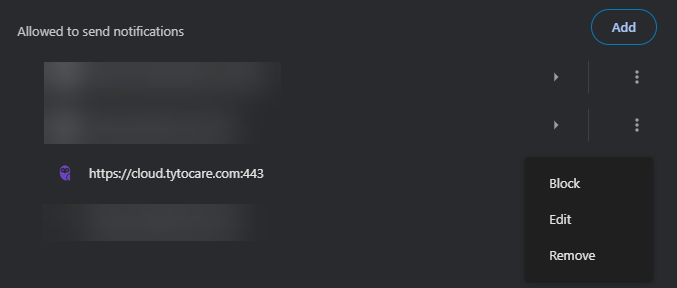
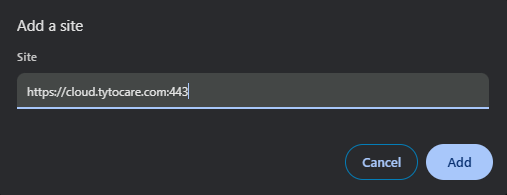
If you are unable to locate https://cloud.tytocare.com in the list, please manually add the following URL to the list of websites allowed to send notifications:
https://cloud.tytocare.com:443