


The TytoCare Clinician Station is a secure, web-based platform that allows healthcare providers to conduct live telehealth visits, remotely control the Tyto device, and review "Exam & Forward" data submitted by patients.
To watch this on YouTube, press CTRL + Click the YouTube logo.
Technical Requirements
To ensure high-quality heart and lung auscultation and stable video conferencing, providers must meet the following hardware standards:
- Browser: Google Chrome (Windows 7+ or macOS).
- Connectivity: Internet connection with at least 2 Mbps upload/download (Wired connection recommended).
- Audio (Critical): High-quality Headphones are required.
- Specs: 3.5mm jack or USB, 16–32 ohms impedance, 20–10,000Hz frequency response.
- Hardware: Internal or external webcam and microphone.
Getting Started
Upon registration, you will receive an activation email with a temporary password. Log in at cloud.tytocare.com.
- Training Session: New users must complete a 10-minute mandatory tutorial session upon first login.
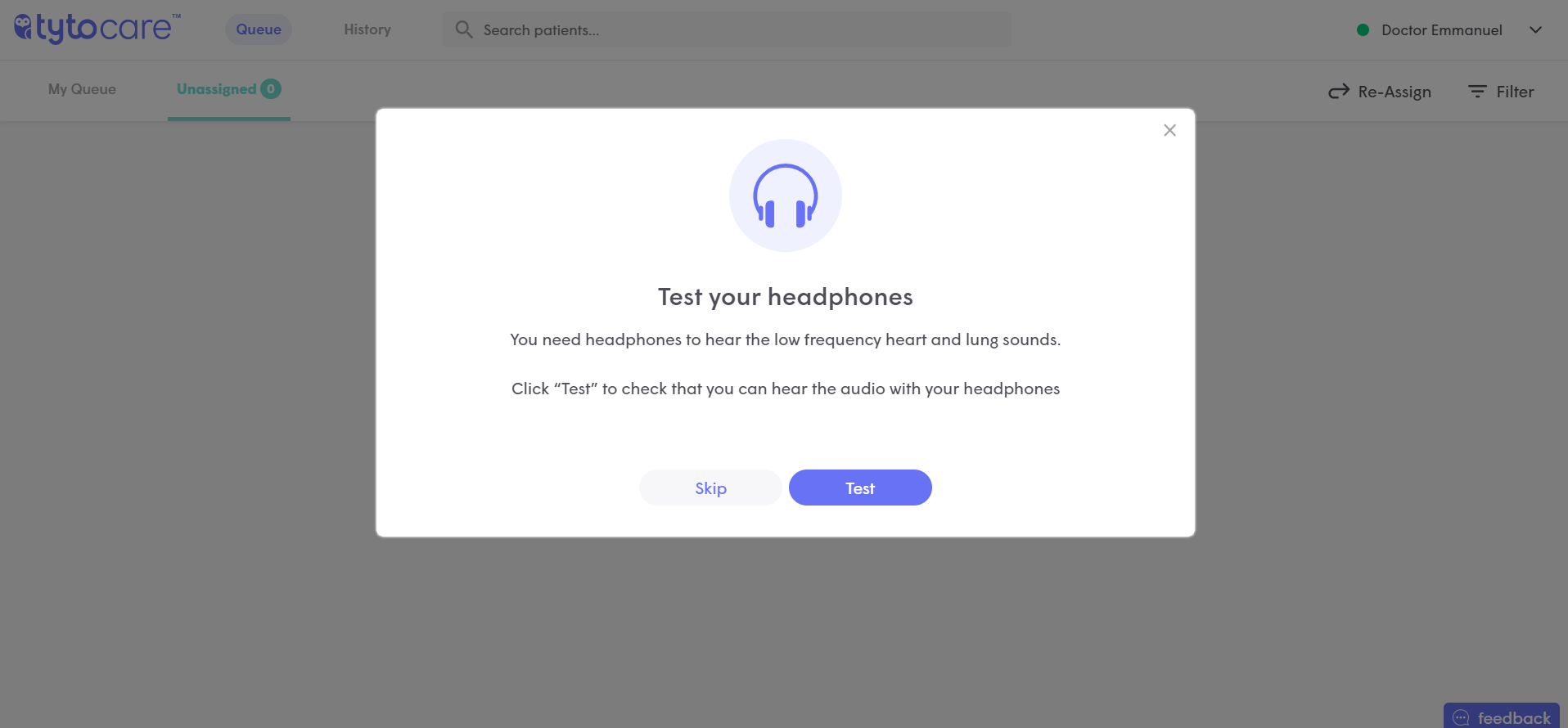
- Headphones Test: After training, click Test to verify your audio equipment can accurately reproduce heart and lung sounds.
Headphones Test Interface:
System Features & Navigation
| Feature | Description |
|---|---|
| Queue | View live visit requests and "Exam & Forward" files waiting for review. |
| History | Access completed exams and past visit records. |
| Status Menu | Set your availability: Available (Green), On Call (Yellow), or Exam & Forward Only (Blue). |
Environment Tip: Always work in a quiet location. Background noise can interfere with your ability to hear subtle heart murmurs or wheezing during live auscultation.

